



How to View Revit Files without Revit
Wanting to view Revit files but don't have a a Revit licence? This is the article for you! In this post we'll provide a couple of alternative ways to open Revit files without having to buy a Revit license.
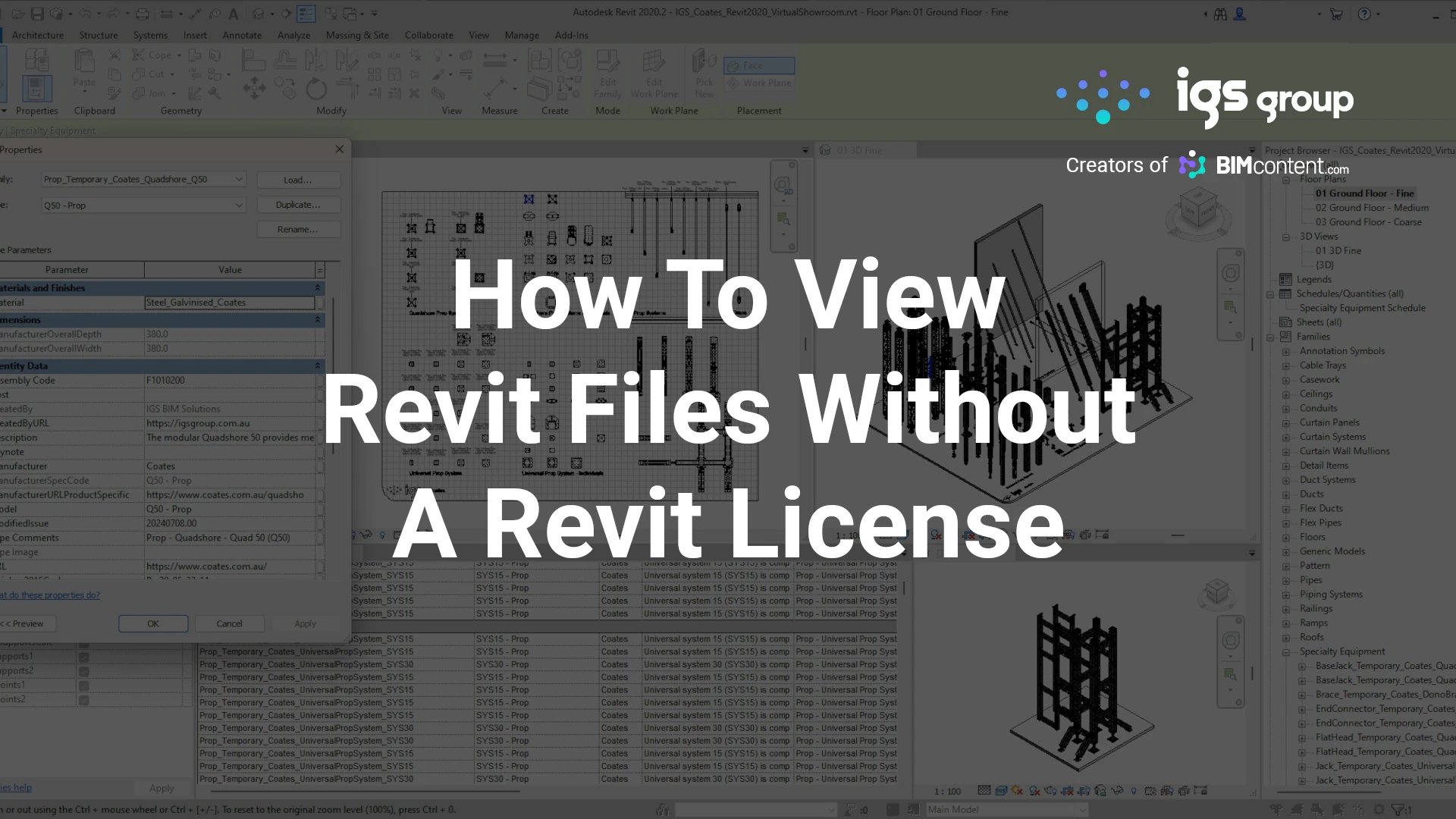
How to View Revit Files without a Revit License
One of the most common questions we get asked by our Building Product Manufacturer clients, is how they can view the Revit libraries we create for them without needing to purchase a license of Revit. This makes sense as manufacturers rarely have a need to actually use Revit, but manufacturers often want to look at the Revit content as a way of checking their Revit families have been created in a way that matches their product geometry, that the embedded data is correct, to confirm which products are covered in their Revit library, or just to get a better understanding of how their Revit models look and behave in a Revit project environment.
Revit libraries created by IGS Group (IGS BIM Solutions) for building product manufacturers commonly include a couple of different Revit file types:
- Product-based Models – These are known as ‘Revit Families’, and they’re provided as .RFA files.
- A ‘Virtual Showroom’ – This is a ‘Revit Project File’, and it’s provided as an .RVT file. Opening this file allows you to view all your Revit families (your product-based Revit models) in a sample Revit project environment.
Here are two ways you can view and interact with your Revit content without having a Revit licence:
Option 1: Use the ‘Autodesk Viewer’ (Free, Online)
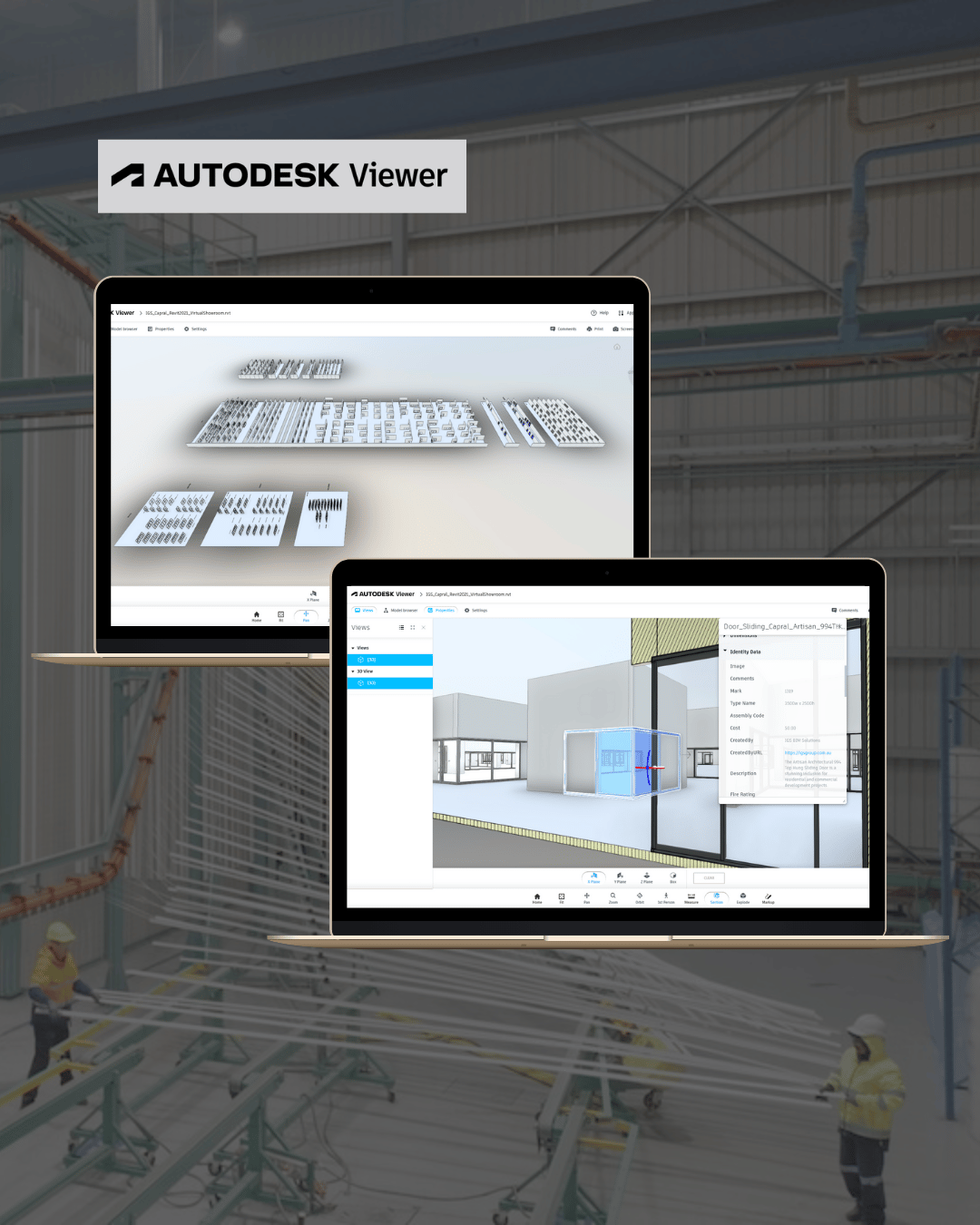
Autodesk Viewer is a web-based tool that allows you to open and inspect Revit project files without installing any software.
How to Use the Autodesk Viewer
- Go to Autodesk Viewer: Click here to access Autodesk Viewer https://viewer.autodesk.com/
- Sign in or Create an Autodesk Account (free)
- Upload Your Revit File – Drag and drop your .RVT (Virtual Showroom) file
- View and Inspect Your Revit Model:
- Rotate, zoom, and pan around the model
- Click on objects to view embedded metadata and properties
Limitations:
- Inability to upload / view standalone Revit families – Autodesk Viewer only supports the uploading of Revit project (.RVT) files, meaning you won’t be able to upload individual Revit families (.RFAs).
- No parameter testing – You can see the objects / Revit families in the way they’re placed in the project, but you won’t be able to make any adjustments to sizes, swap materials, or any other configurability options that might be built into the families.
- Revit Families can’t be placed into projects – Since this is a viewer only, you can’t insert or test Revit families inside a Revit project.
- Large file processing – The Revit Virtual Showroom (.RVT file) may take a little while to load if it’s a large file.
Option 2: Download a Free Trial of Revit (30 Days Free, then ‘View-Only’ Mode)
If you’d like to interact with your Revit families or test parameters in the Revit project environment, you can download a free trial of Revit.
How to Access Free Trial of Revit
- Go to the Autodesk Revit Trial Page: Download Revit Free Trial
- Sign up for a free trial (valid for 30 days). During this time you will have access to the full functionality of Revit, including saving your work.
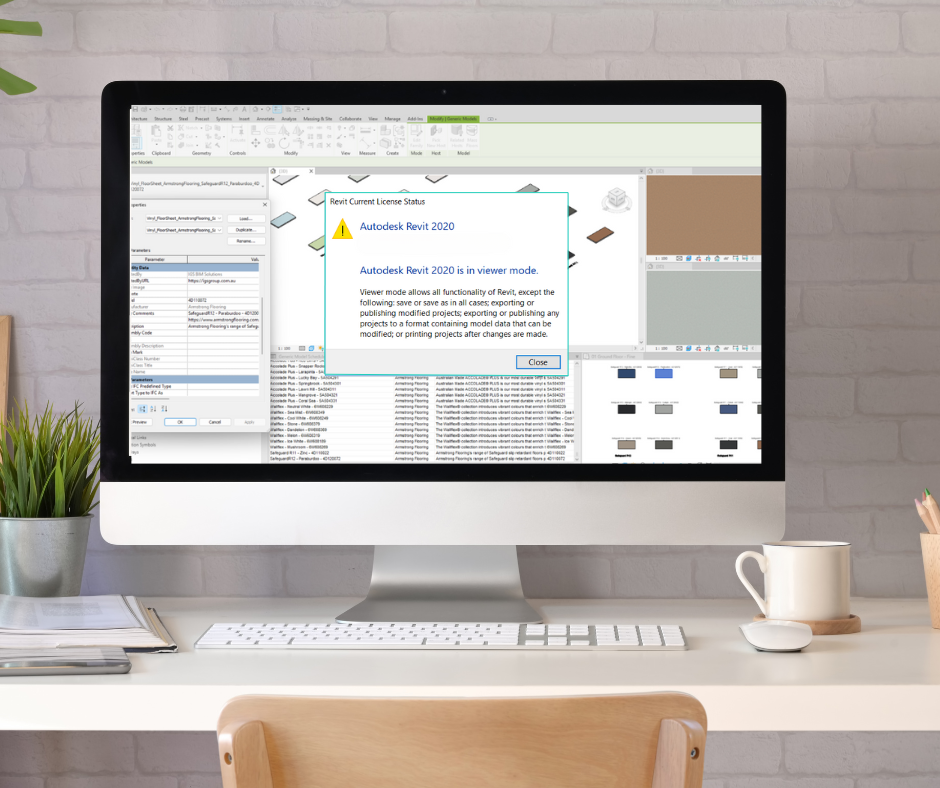
- After 30 days, the trial expires but allows you to continue using Revit in ‘View Only’ mode, meaning you can:
- Open and interact with Revit assets, including both Revit Families (.RFA) and Revit Project (.RVT) files.
- Test parameters and explore Revit family functionality in the Revit family editor environment.
Limitations:
- No Saving After Trial Expires – While you can still view and interact with your Revit library, you won’t be able to use the ‘Save’ function, meaning you can’t save any modifications you make to your Revit files.
- Software Size & Storage Requirements – Revit is a large program (installation can exceed 30GB of storage space), so you’ll need adequate disk space available.
- Performance Requirements – Running Revit at an adequate speed requires a relatively powerful computer with at least 16GB of RAM and a dedicated graphics card for smooth navigation, especially when viewing complex models like your Revit Virtual Showroom.
This is a great option if you’d like a more interactive review experience, without committing to the purchase of a full Revit license.
Final Thoughts
Whilst having a full license of Revit is truly the best way of interacting with your Revit content, it’s not usually necessary for manufacturers to purchase a Revit licence just to review their Revit library. Whether you’re just looking for an easy way to view your Revit content, or want to test parametric functionality to ensure it aligns with your manufacturing capabilities and product offering, there are multiple free and accessible options available that will likely accommodate your needs.
At IGS, we’re here to guide you through the process and help you get the most value from your BIM content investment — even if you don’t have the Revit software installed. If you’re unsure which method is right for you, feel free to reach out to us, and we’ll help you find the best solution based on your specific situation and requirements.
... Return to the Knowledge Hub ...
Table of Contents
Sign up today for news, industry insights & content releases!
You can unsubscribe at any time by clicking the link in the footer of our emails. For information about our privacy practices, please visit our privacy policy.
FAQs
Related Posts
The building industry is rapidly evolving. Don’t get left behind!
Join the growing list of leading brands who leverage our BIM Content Creation Services
and associated Building Product Marketing Strategies to grow your business.
Contact Us
We look forward to speaking with you!
For inquiries about BIM content creation, web or product marketing solutions as well as general inquiries and support, please fill out the contact form provided, or contact us via the details below.
1300 980 763