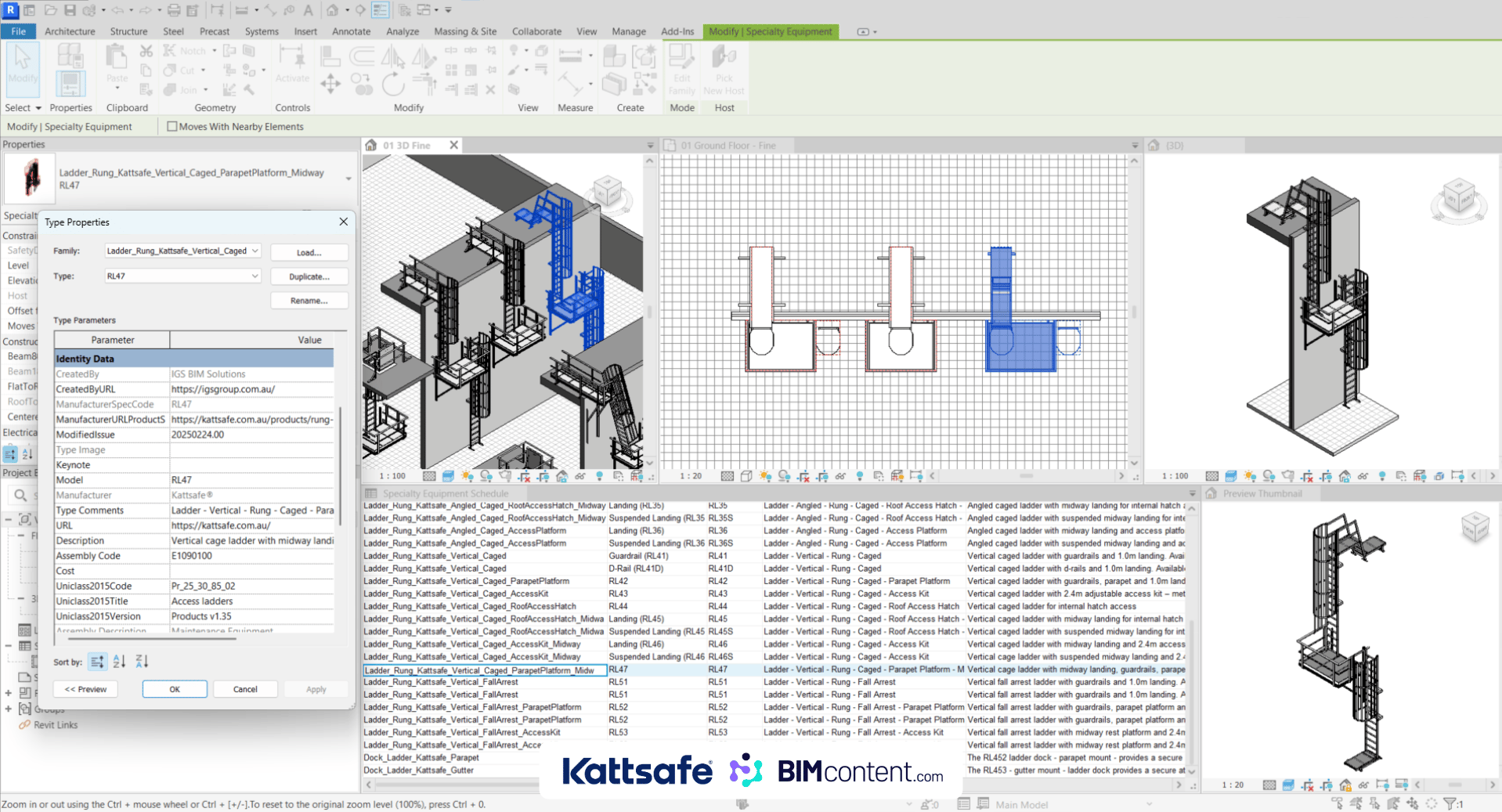
Revit is a detailed BIM software that allows for the creation of intelligent 3D models containing both geometric and non-geometric information about building elements. Unlike traditional CAD software, Revit operates on a centralised database where all plans, sections, elevations, schedules, and 3D views are generated from a single model. This parametric modelling approach means that changes made in one view automatically update across all related views and documentation.
How Revit Enhances Project Visualisation
One of the most immediate benefits of Revit integration is improved visualisation. Revit’s 3D modelling capabilities allow project stakeholders to visualise the final product before construction begins. This visualisation extends past simple geometry to include:
- Photorealistic renderings that accurately depict materials, lighting, and spatial relationships
- Virtual walkthroughs that simulate the experience of moving through the completed space
- Solar studies that analyse how natural light will interact with the building throughout the year
- Sectional perspectives that reveal intricate spatial relationships and building systems
These visualisation tools help clients better understand design intent, allow architects to refine aesthetic decisions, and enable contractors to plan construction sequences more effectively.
Improved Collaboration Through Revit Integration
Revit’s collaborative capabilities significantly enhance project planning by allowing multiple disciplines to work simultaneously on the same model. Through worksharing features like central models and worksets, team members can coordinate their efforts in real-time.
The integration of architectural, structural, and MEP (mechanical, electrical, plumbing) models through Revit’s linking functionality creates a federated model where each discipline maintains control over their scope while contributing to the overall project. This multi-disciplinary approach guarantees that:
- Design decisions are made with full awareness of their impact across disciplines
- Communication barriers between teams are reduced
- Design intent is clearly communicated to all stakeholders
- Coordination issues are identified early in the design process
Cloud-based collaboration tools like BIM 360 and Revit Cloud Worksharing further enhance this collaborative environment by allowing geographically dispersed teams to work together seamlessly.
Clash Detection and Risk Mitigation
Perhaps one of the most valuable benefits of Revit integration in project planning is automated clash detection. By combining models from different disciplines, project teams can identify spatial conflicts before construction begins. This proactive approach to coordination:
- Reduces costly on-site rework
- Minimises change orders and RFIs (Requests for Information)
- Shortens construction schedules
- Improves construction quality
Revit’s interference checking tools can detect hard clashes (where two objects occupy the same space), clearance clashes (where required maintenance space is compromised), and workflow clashes (where the sequence of installation is problematic). These capabilities allow project teams to resolve conflicts virtually, saving significant time and resources during construction.
Accurate Quantity Takeoffs and Cost Estimation
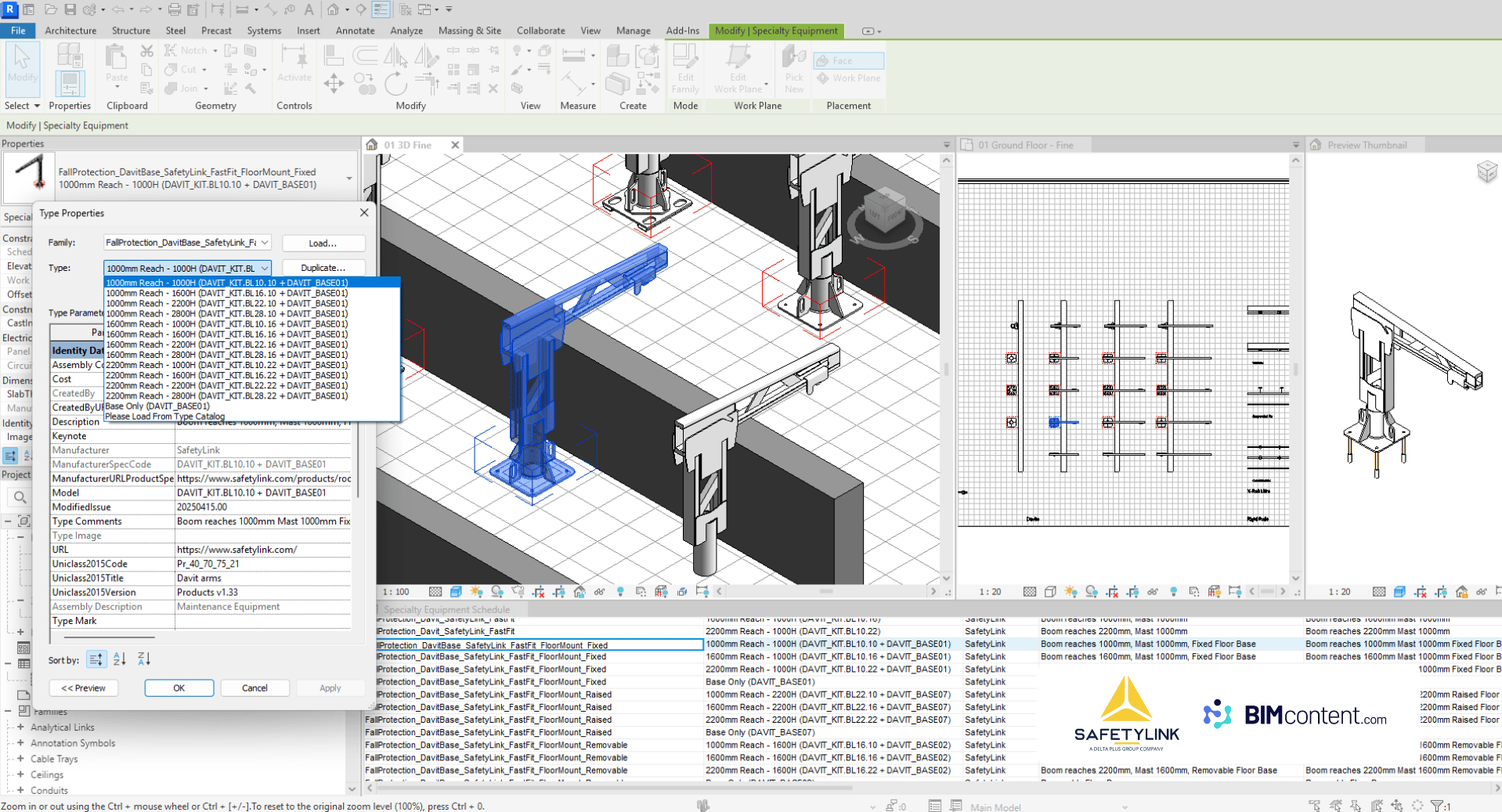
Revit models contain detailed information about building components, including dimensions, materials, and specifications. This data-rich environment allows for precise quantity takeoffs directly from the model, providing:
- Automatic material quantity calculations
- Area and volume analyses
- Component counts and schedules
- Material specifications for procurement
When integrated with cost estimation software, these quantity takeoffs can be translated into accurate cost projections. As the design evolves, quantities and costs update automatically, enabling project teams to make informed decisions about design alternatives while maintaining budget constraints.
Streamlined Scheduling and Project Phasing
Revit’s 4D capabilities (3D plus time) allow project teams to link the building model to construction schedules. By assigning time parameters to model elements, planners can:
- Visualise construction sequences
- Optimise resource allocation
- Identify logistical challenges
- Communicate phasing strategies to stakeholders
Revit’s phasing tools allow the representation of existing, demolished, temporary, and new construction within the same model. This thorough approach to project scheduling helps teams develop realistic timelines, identify key path activities, and plan for site logistics more effectively.
Improved Documentation and Change Management
Revit’s parametric nature guarantees that documentation remains consistent and coordinated throughout the project lifecycle. When changes occur – as they inevitably do – Revit automatically updates all affected views, schedules, and sheets. This automated coordination:
- Reduces documentation errors
- Maintains drawing consistency
- Minimises the time required for document updates
- Creates a reliable audit trail of design changes
Revit’s revision tracking capabilities allow project teams to document and communicate changes systematically. Cloud-based version control ensures that all stakeholders have access to the most current information while maintaining records of previous iterations.
Conclusion
Integrating Revit models into project planning processes offers significant benefits that improve project outcomes across all phases. From better visualisation and collaboration to precise quantity takeoffs and streamlined documentation, Revit provides a comprehensive platform for informed decision-making and efficient project delivery.
As the AEC industry continues to adopt digital workflows, the integration of Revit models into project planning has become not just advantageous but necessary for competitive project delivery. Organisations that utilise these capabilities position themselves to deliver projects with greater efficiency, higher quality, and improved stakeholder satisfaction.