



BIM Isn’t Just 3D: Why 2D Details Still Matter
BIM isn’t just about 3D models. Discover why 2D details remain an important part of BIM workflows, and how combining the right level of 3D geometry with detailed 2D information can help designers specify and document manufacturer products more efficiently.
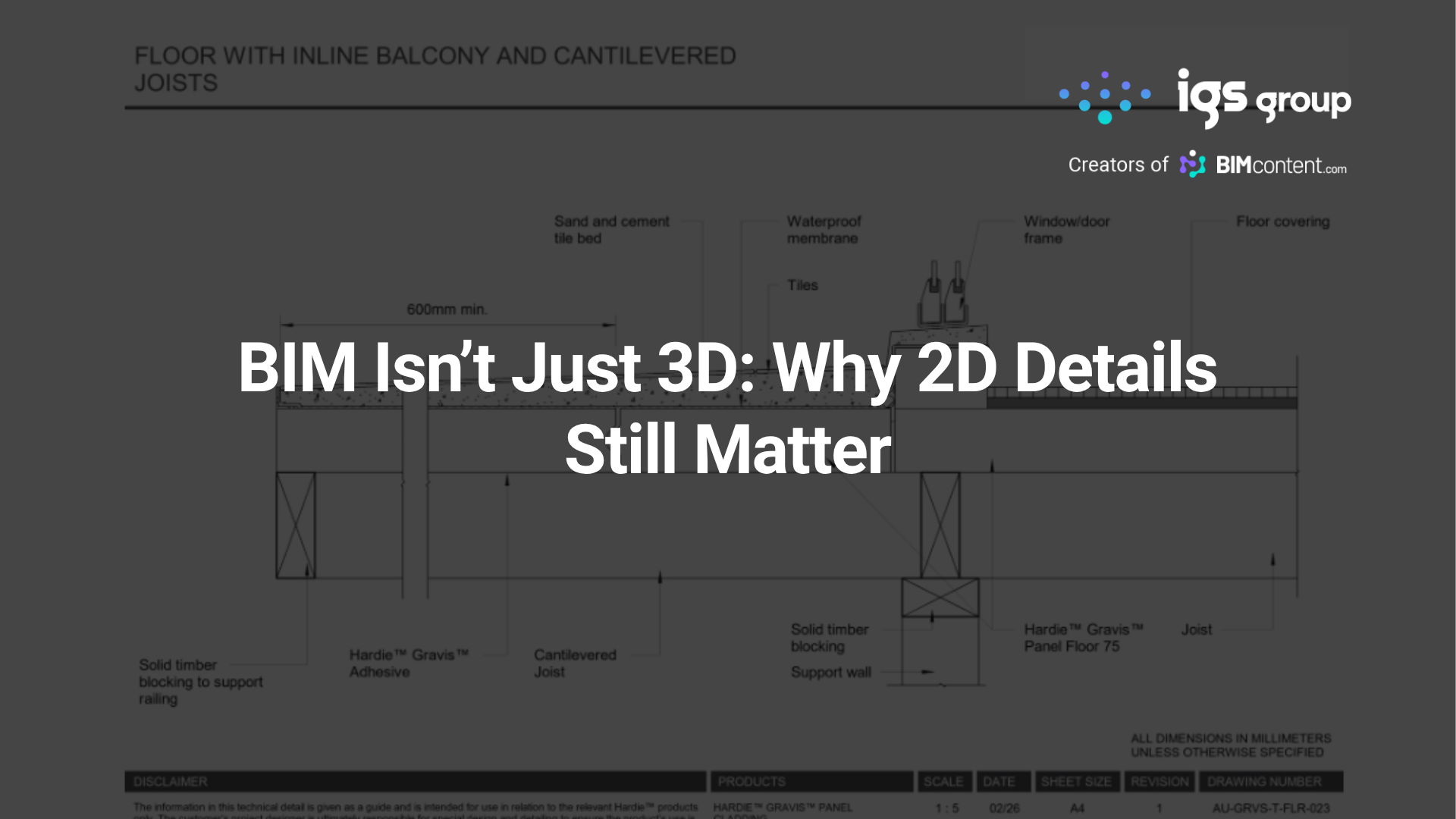
When building product manufacturers think about BIM content, 3D models are often the first thing that comes to mind.
But a project BIM model isn’t intended to contain every piece of construction information as highly detailed 3D geometry. The level of geometric detail needs to be appropriate to how the model will be used. Modelling every fixing, flashing, membrane, seal, junction and construction interface can add unnecessary complexity and contribute to larger files and poorer model performance.
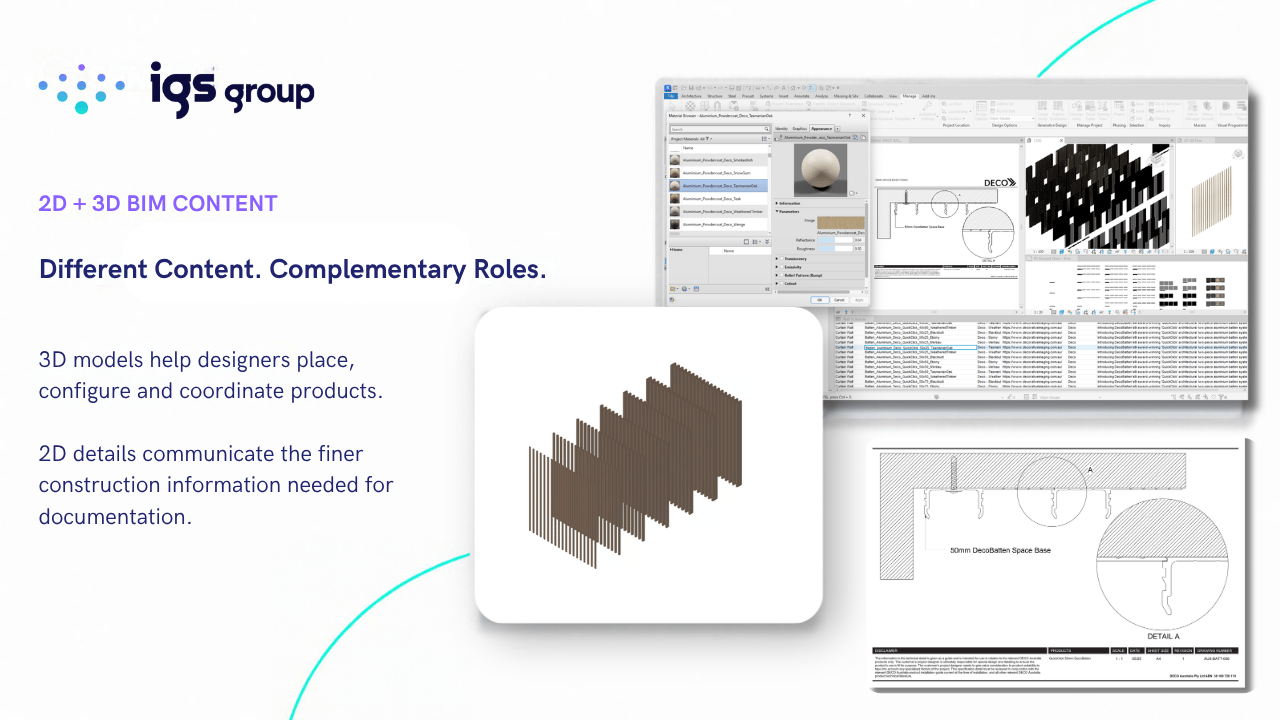
This is one of the reasons 2D details continue to play an important role in BIM workflows. The 3D model can contain the geometry needed to place, configure, coordinate and visualise a product, while associated 2D details can communicate finer construction information at the appropriate drawing scale. The two forms of content perform different but complementary roles.
For building product manufacturers, this is important when deciding what BIM content to provide. Depending on the product, the most useful library might include 3D models, 2D details, materials, product data or a combination of these.
The starting point is understanding what information will help a designer specify and document the product more efficiently and accurately.
Why 2D details still matter in BIM
BIM is about much more than the three-dimensional representation of a building. It brings together geometry and information to support design, documentation, construction and, ultimately, the operation of buildings.
Much of the information required to document a project is still communicated through 2D drawings and details, including on projects developed extensively in Revit and other BIM authoring software.
A 3D model can tell a designer a lot about a product: its dimensions, position, appearance, configuration and associated product data. It may not, however, communicate everything required to document how that product interfaces with the surrounding building.
How does it terminate at an edge? How does it meet another material? What happens at an internal or external corner? How is it fixed? What happens at an opening, penetration or change in condition?
These conditions are often best communicated through detailed 2D drawings. Manufacturer-specific typical details can give designers a useful starting point when developing project-specific documentation, rather than requiring them to interpret the system and draw each condition from scratch.
This is where 2D content can also contribute to specification. Making a product easier to understand and document reduces the work involved in incorporating it into a project. The easier your product is to design and document, the easier you make it for someone to specify it.
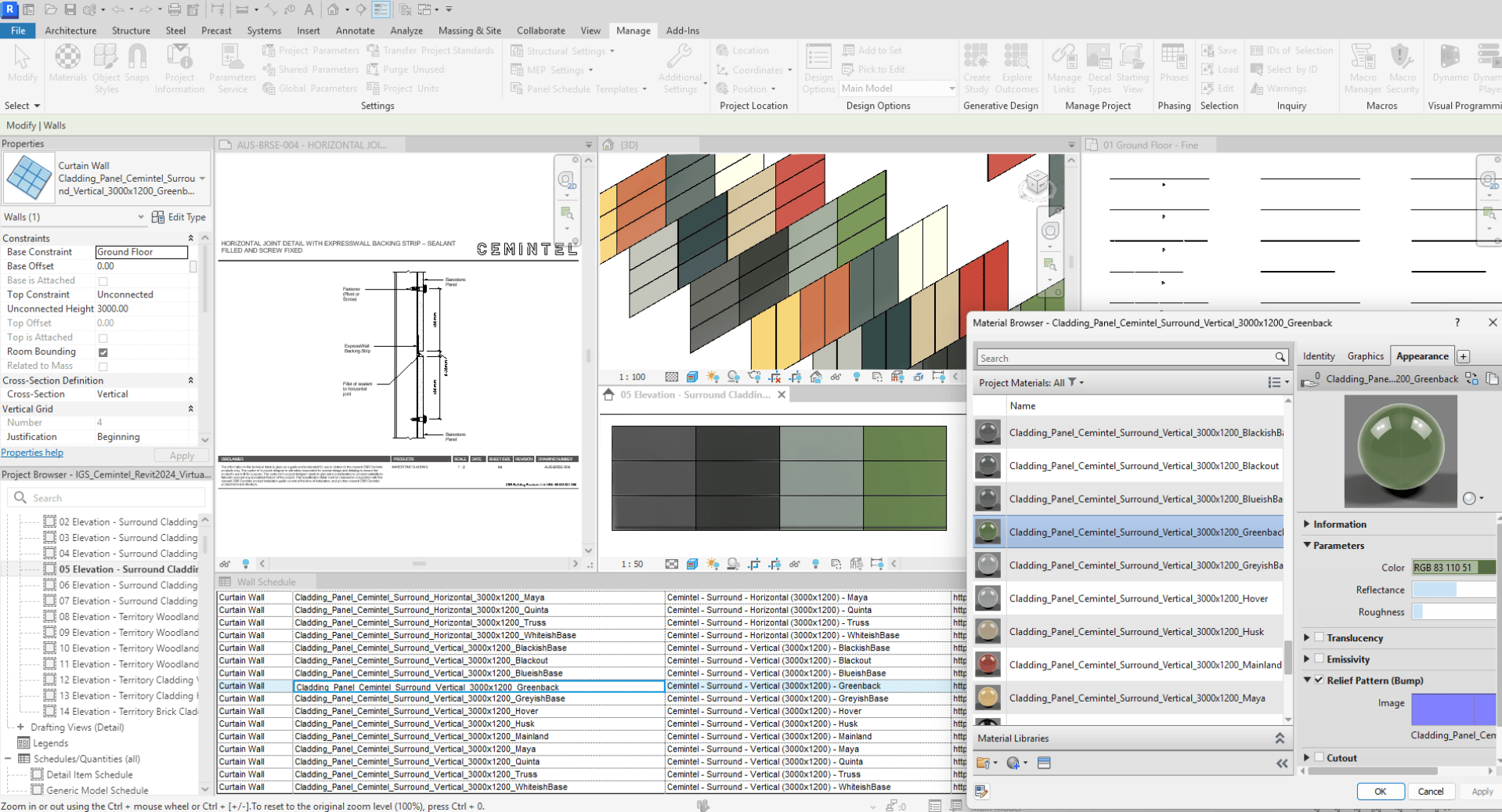
Do all building products need 2D details?
No. The value of 2D content varies considerably by product category and by the way a product is designed, specified and documented.
For a relatively simple standalone object, a well-developed 3D BIM model may provide most of what a designer needs. For systems, applied products and construction products involving multiple interfaces, 2D details can play a much greater role. Some products may be better supported primarily through 2D details, materials or other information rather than a conventional 3D BIM object.
The scope of a manufacturer BIM library should therefore be based on the information designers genuinely need, rather than an assumption that every product needs the same mix of content.
Product categories where 2D details can be particularly useful
Cladding and facade systems
Cladding products rarely exist in isolation. Designers need to understand how the system behaves at corners, openings, junctions, transitions, parapets and other common conditions. Manufacturer-specific typical details can communicate these interfaces and give designers a better starting point for developing accurate, project-specific documentation.
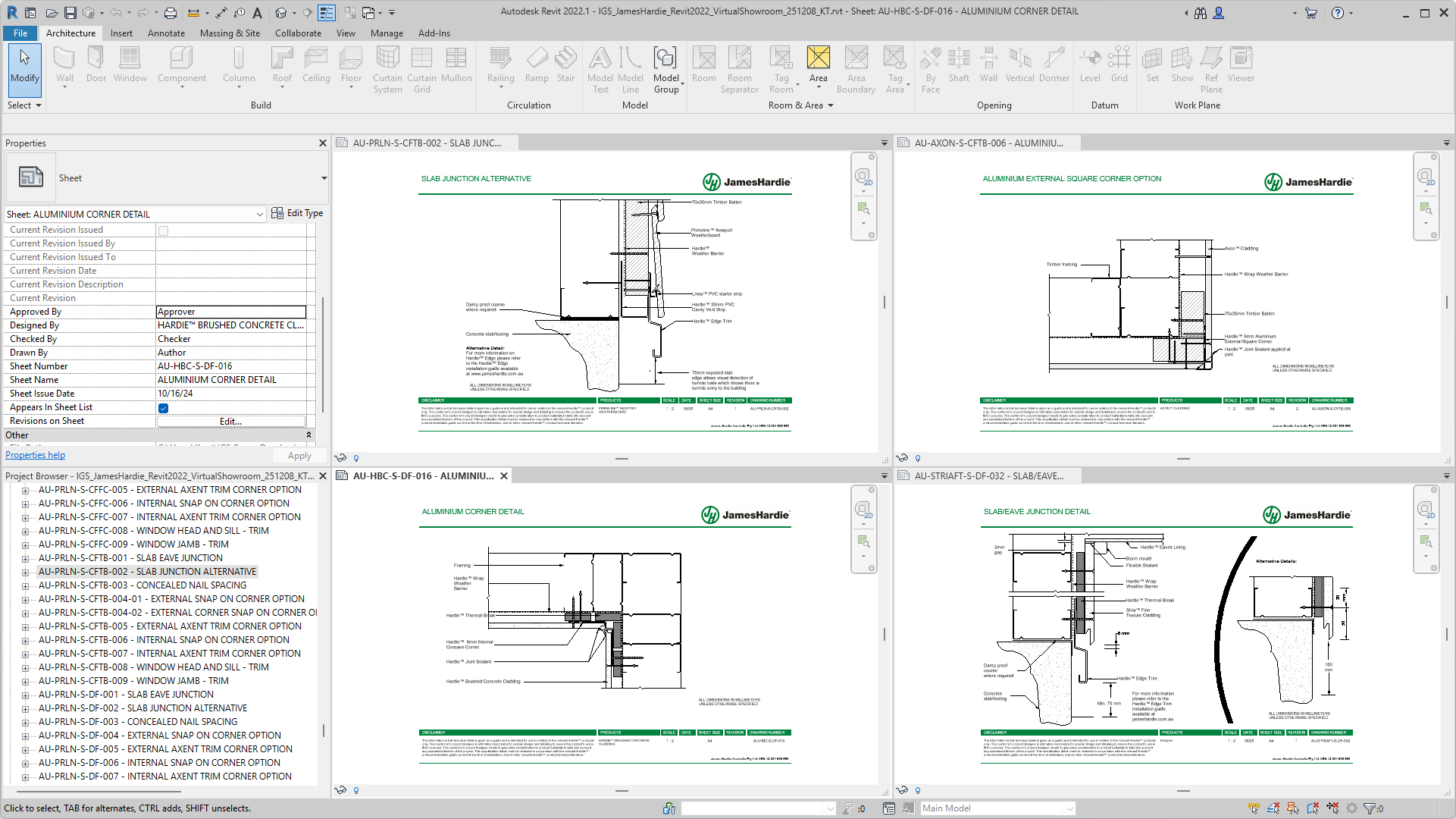
Roofing systems
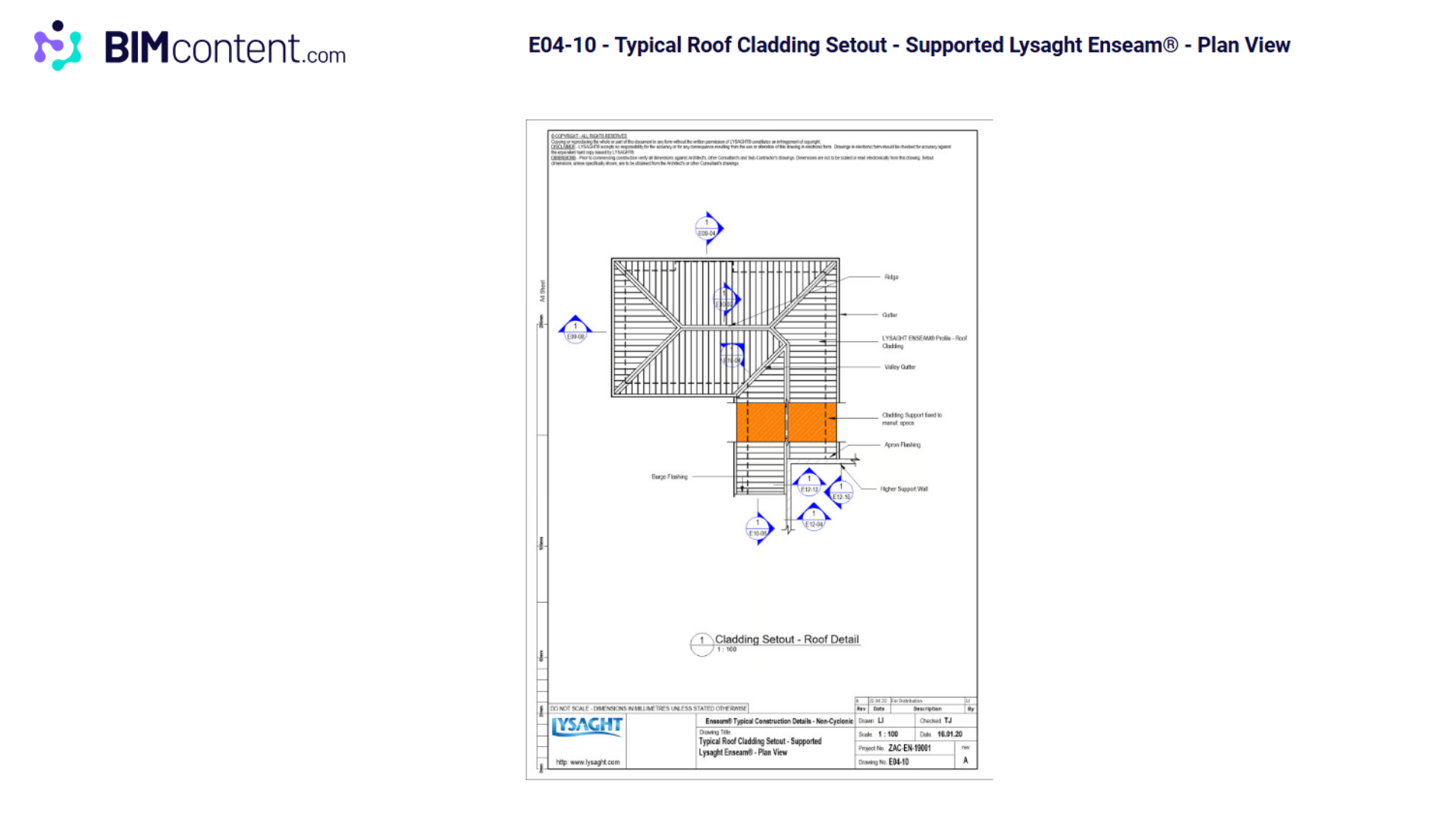
Roofing involves numerous interfaces between products, components and surrounding building elements. Edges, penetrations, flashings, gutters, ridges and junctions can all require specific consideration. Providing typical details helps designers understand how the manufacturer’s system addresses these conditions and represent them appropriately within project documentation.
Wall and partition systems
Wall and partition systems can involve multiple layers, components and interfaces, with different requirements depending on the application and surrounding construction. Typical details can help communicate system build-ups, junctions, terminations and other common conditions without requiring designers to interpret or recreate this information from scratch.
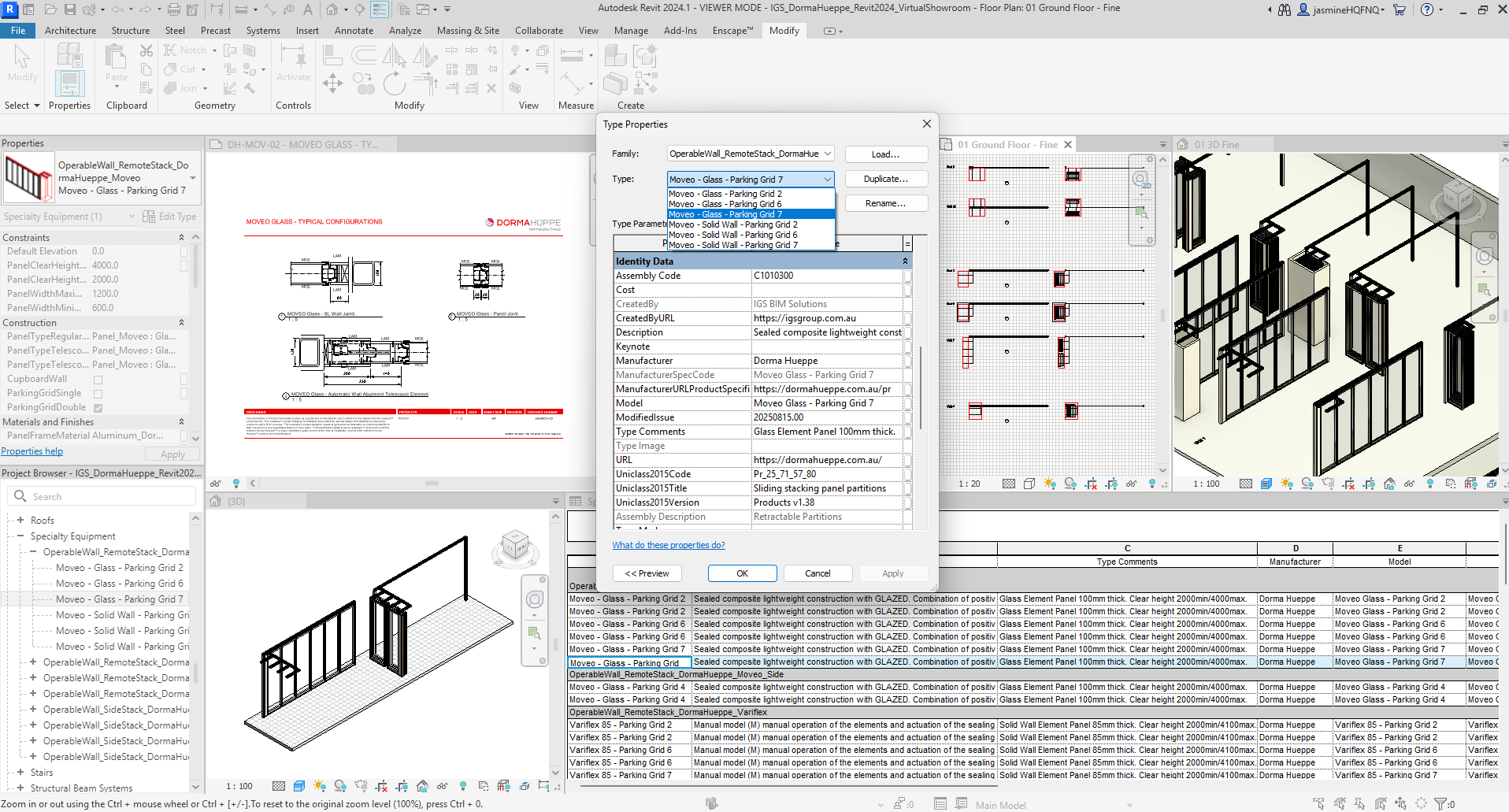
Windows, doors and openings
Windows and doors need to be coordinated with the surrounding wall construction, and installation conditions can vary depending on the product, system and application. Typical details can help designers understand conditions at heads, sills, jambs and thresholds, together with interfaces with framing, cladding, waterproofing and other surrounding elements. Providing this information in a usable 2D format can make it easier to incorporate the manufacturer’s products into project documentation.
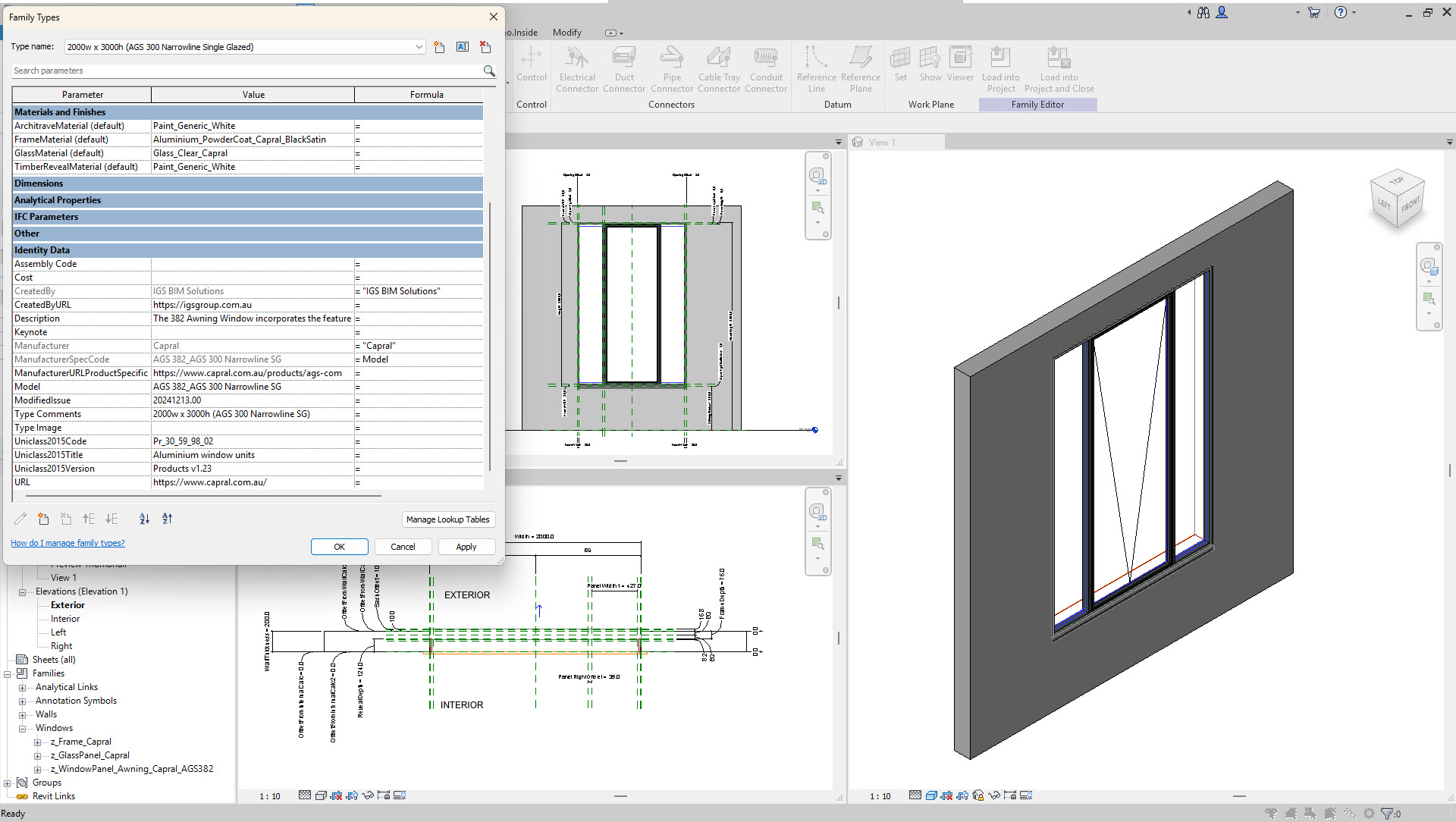
Waterproofing systems and applied products
Waterproofing is a good example of a category where a conventional 3D BIM object may not always be the most useful form of content. Typical details can show how waterproofing systems are applied at critical conditions such as joints, penetrations, terminations and wall-to-floor interfaces, providing designers with manufacturer-specific information they can reference when developing project documentation.
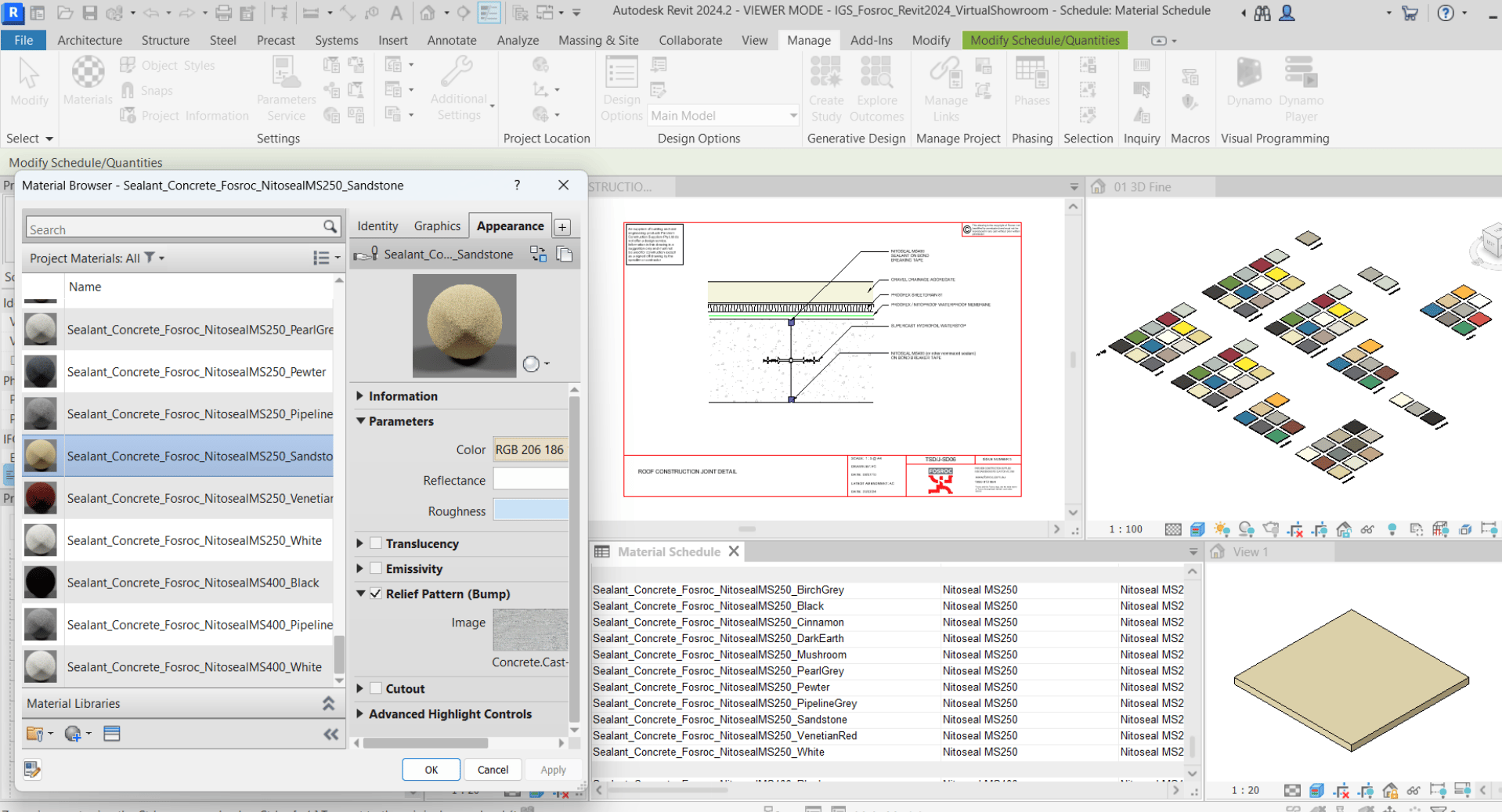
PDF, DWG or native Revit details?
Many manufacturers already have libraries of PDF or CAD details, and these can remain useful reference assets. The question is whether selected details could be made easier for designers to use within their normal documentation workflow.
For manufacturers targeting Revit users, native Revit details can be particularly useful. Depending on the application, these might include appropriately developed Detail Components, Drafting Views and other native Revit elements that allow manufacturer information to be referenced and adapted more efficiently within a project.
That does not mean every existing PDF or DWG detail should be recreated in Revit. The most useful approach is usually to identify the details that designers are most likely to need and determine the most appropriate format for each.
It is also important to distinguish between native Revit content and a simple conversion of CAD information. Importing a manufacturer’s DWG details into Revit does not automatically make them good BIM content. Poorly constructed details can introduce unnecessary content, inconsistent graphics or elements that conflict with a design firm’s own Revit standards.
Well-developed native details should make manufacturer information easier to use without unnecessarily complicating the designer’s project environment. As with 3D BIM content, the way the content is developed matters.
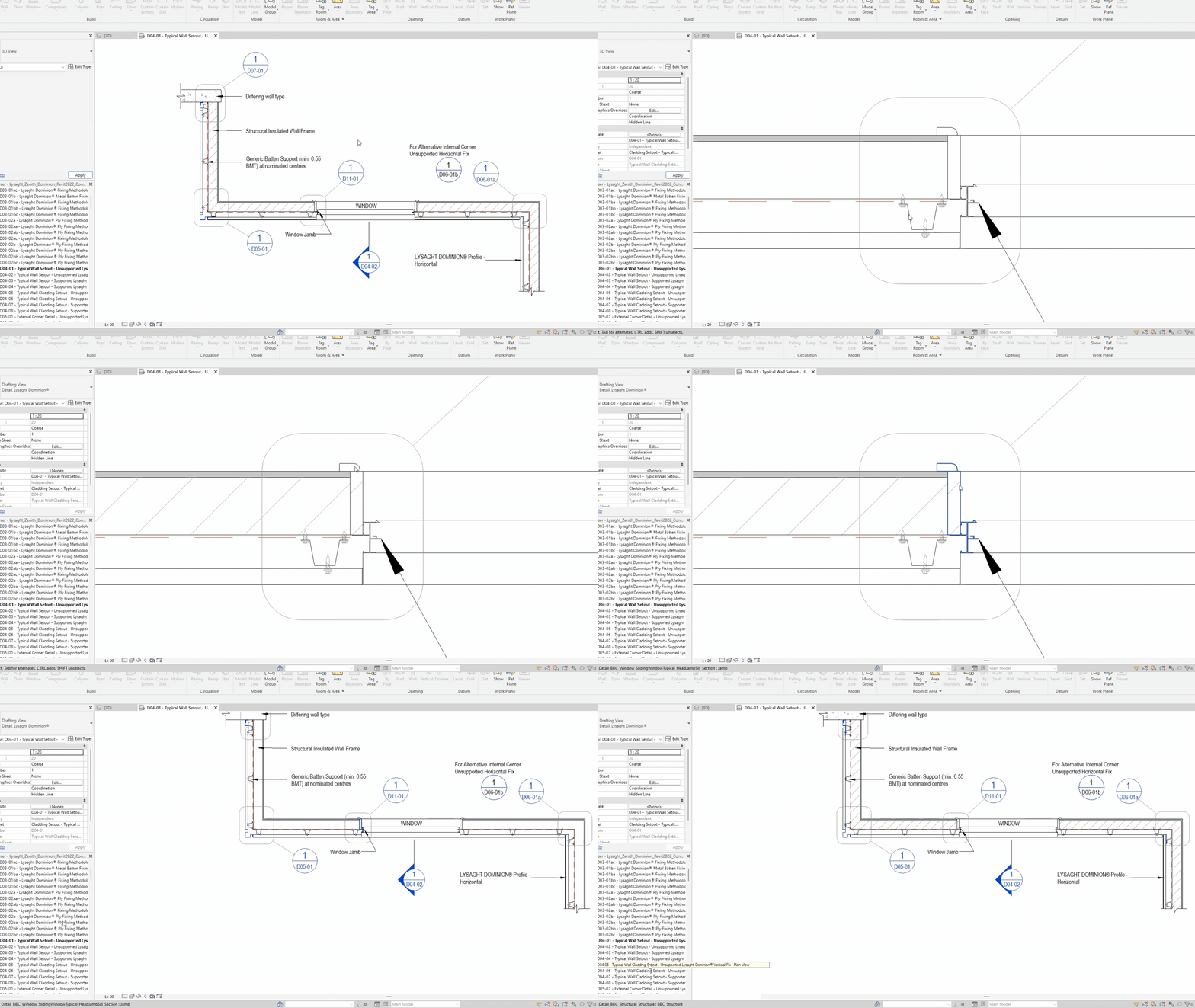
Should everything be modelled in 3D?
A project BIM model needs enough geometric fidelity to support its intended uses, but that does not mean every piece of construction information should be modelled in 3D.
Geometry that affects coordination, spatial requirements, visualisation or other model-based processes generally needs to be represented. Detailed information about fixings, flashings, membranes, seals, junctions and other construction interfaces may be more appropriately communicated through 2D details at the relevant drawing scale.
Over-modelling this information can create unnecessarily complex geometry. This is particularly important with manufacturer BIM content because an individual object that appears manageable on its own may be placed tens, hundreds or even thousands of times across a project. Unnecessary detail can therefore contribute to larger files and poorer model performance.
A window is a useful example. Its 3D BIM object needs enough geometry for the designer to position it accurately, understand its dimensions and spatial requirements, coordinate it with surrounding elements and represent it appropriately in the model. Detailed sill flashings, seals, fixings, waterproofing interfaces and other installation conditions may be better communicated through associated 2D details.
The appropriate level of fidelity depends on how the information will actually be used. Good BIM content gives designers the information they need without burdening the project model with geometry that provides little additional value.
Getting the right balance between 2D and 3D
For many manufacturers, the most useful BIM library combines different forms of content.
3D content can help designers place, configure, coordinate and visualise products within the model. 2D content can communicate finer construction conditions and typical interfaces that do not need to be represented as 3D geometry. Product data, materials and supporting technical information may also form part of the overall library.
The appropriate mix depends on the product. A manufacturer of furniture, for example, may have very different BIM content requirements from a manufacturer of waterproofing systems, windows or facade products.
The aim is to provide the right information, in the right format and at the point where the designer needs it.
Building BIM content around how designers actually work
A useful starting point when determining the scope of a manufacturer BIM library is to look beyond what can be modelled and consider what designers need to confidently specify and document the products.
Depending on the product, that may include configurable 3D models, product data, materials, technical information, 2D details – or a combination of these.
At IGS, we develop manufacturer BIM libraries around these real-world design and documentation workflows. BIMcontent.com also supports multiple forms of manufacturer content, including BIM models, 2D details and supporting technical resources, so designers can access the information they need throughout the specification and documentation process.
If you are determining what BIM content to provide for your products, the first step is understanding how those products are actually selected, designed and documented. From there, the appropriate content and formats become much clearer.
... Return to the Knowledge Hub ...
Table of Contents
Sign up today for news, industry insights & content releases!
You can unsubscribe at any time by clicking the link in the footer of our emails. For information about our privacy practices, please visit our privacy policy.
FAQs
Related Posts



The building industry is rapidly evolving. Don’t get left behind!
Join the growing list of leading brands who leverage our BIM Content Creation Services
and associated Building Product Marketing Strategies to grow your business.
Contact Us
We look forward to speaking with you!
For inquiries about BIM content creation, web or product marketing solutions as well as general inquiries and support, please fill out the contact form provided, or contact us via the details below.
1300 980 763