



What is a Virtual Showroom File?
Design teams and manufacturers struggle to keep BIM content both efficient and accessible. A Virtual Showroom file solves this by packaging an entire product library into one Revit project, cutting search time and ensuring consistency across every element. This article outlines what they are, features and benefits, as well as why we at IGS Group choose to implement them for our BIM content creation projects.
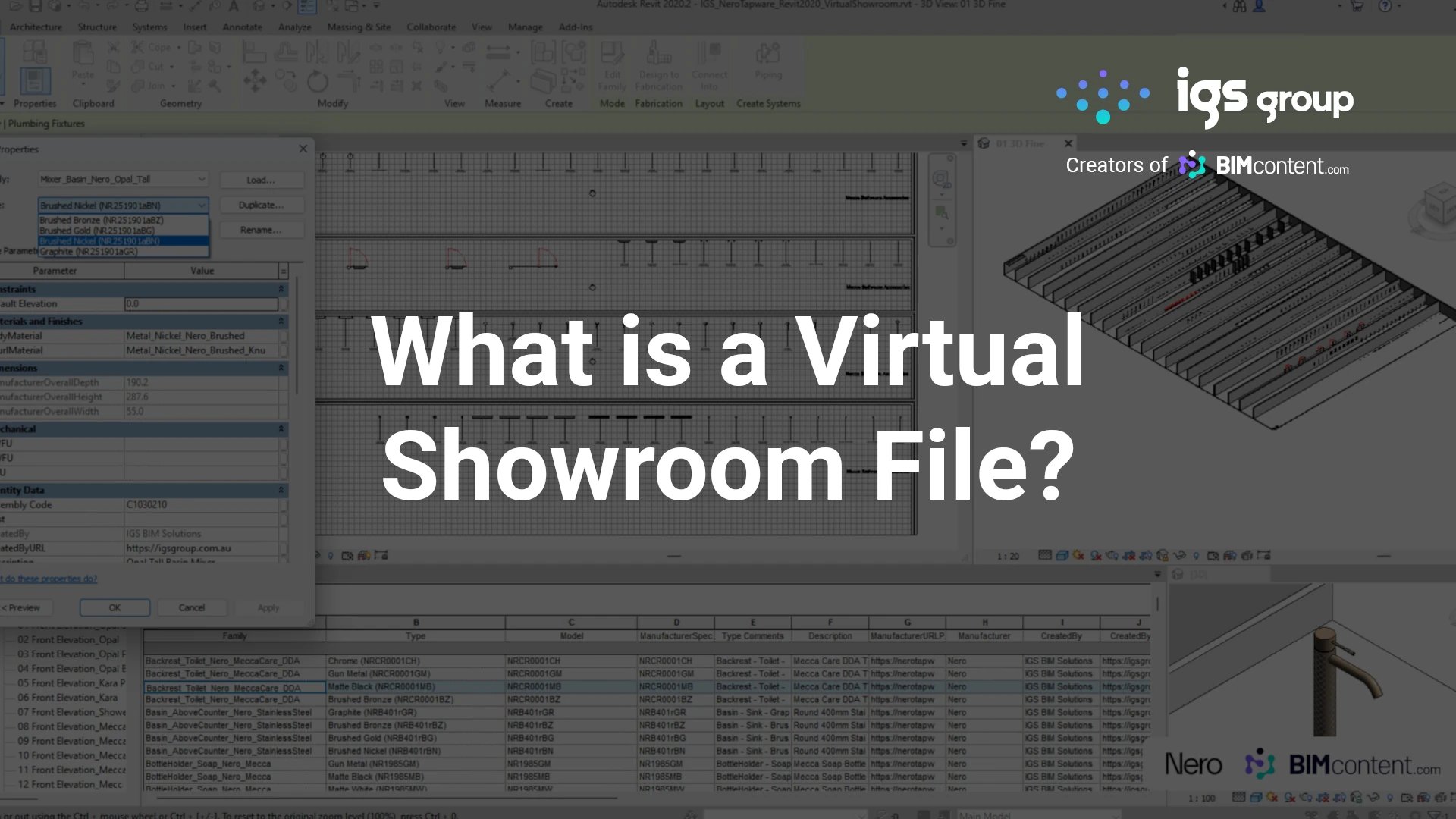
What is a Virtual Showroom file in BIM?
A Virtual Showroom file is basically a pre-configured Revit project file (.RVT format) that contains a manufacturer’s complete library of BIM content, strategically arranged in a virtual environment. Unlike traditional methods of distributing individual family files, a Virtual Showroom consolidates all products from a specific manufacturer or product line into a single, navigable project file that serves multiple purposes for specifying designers and is an efficient and attractive demonstration of a manufacturer’s products.
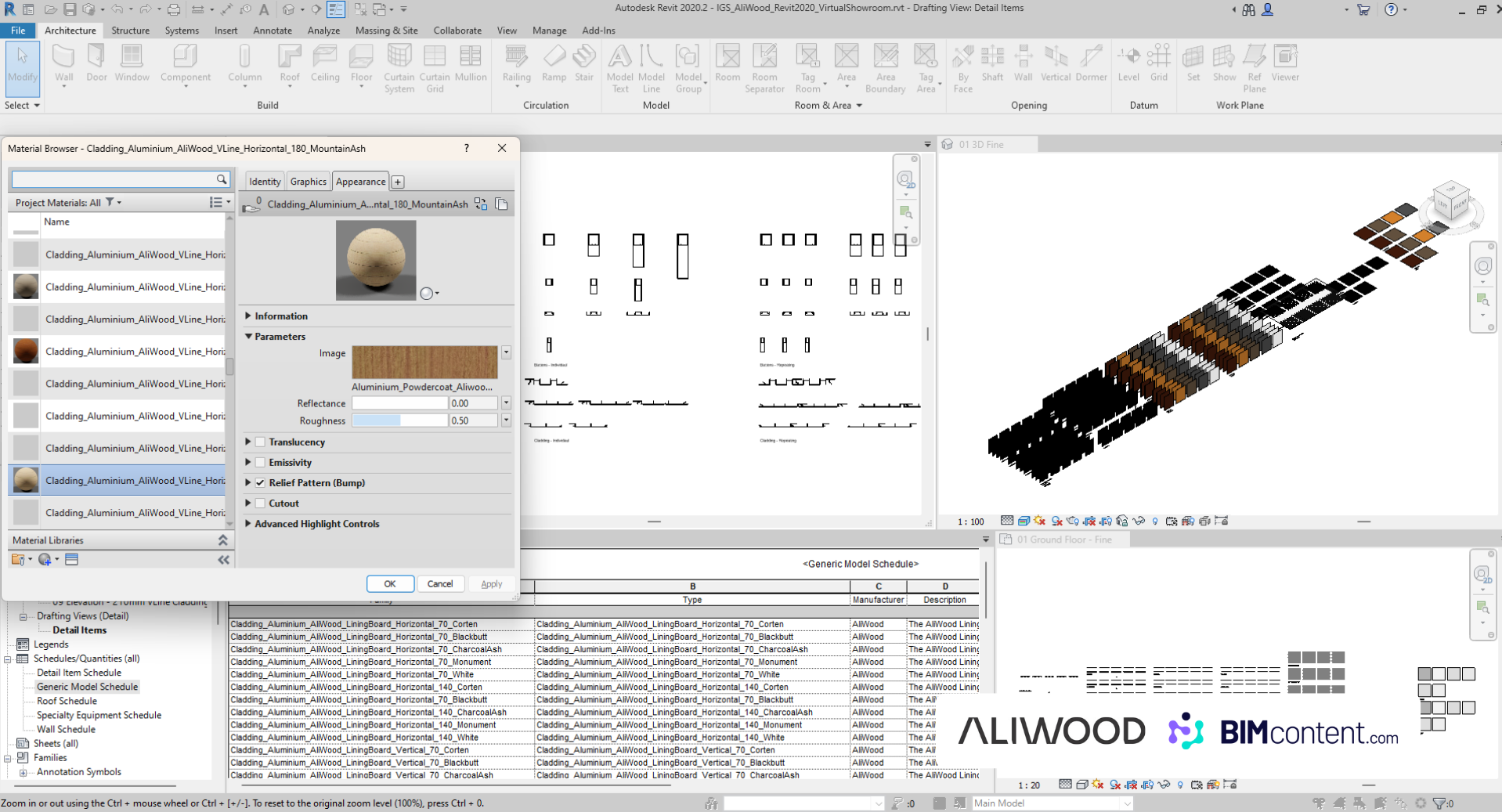
The Anatomy of a Virtual Showroom
Virtual Showroom files are composed with a decisive strategy in mind to best represent a manufacturer brand and their products, whilst keeping in mind optimal usability and performance for designers. Below are some attributes that Virtual Showroom files exhibit to accomplish this.
- Purposeful layout: Products are organised in logical groupings that mirror a physical showroom, making browsing intuitive.
- Complete type catalogue: All variations of each product family are included for a full overview of options.
- Contextual application: Fixtures, furniture and equipment appear in realistic settings to illustrate scale and use.
- Documentation preview: Sample plans, elevations and sections show how products render at different detail levels.
- Parameter demonstrations: Interactive elements highlight parametric customisation for specific project requirements.
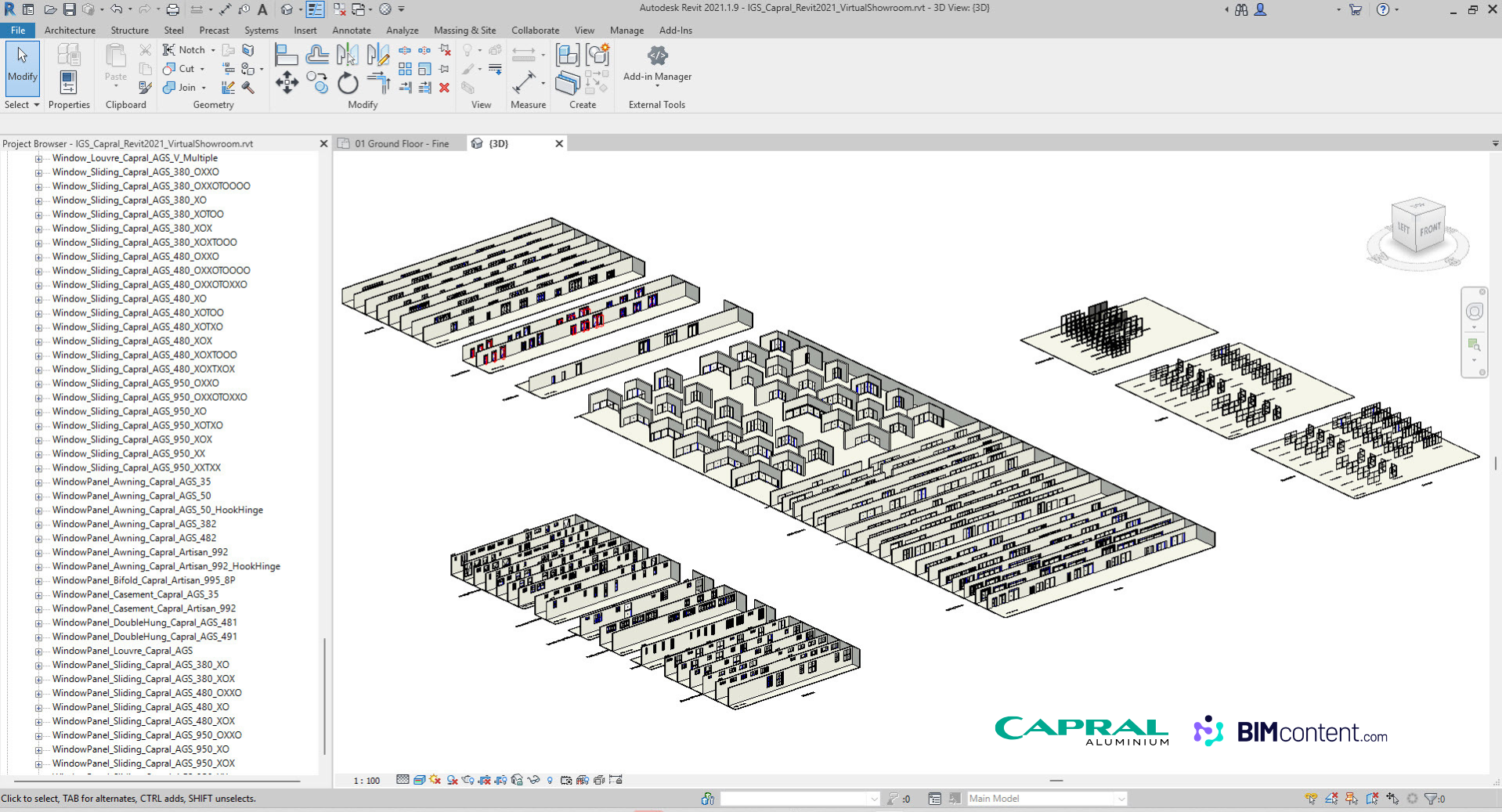
Benefits for Design Professionals
- Efficient content evaluation: Review an entire product range in one file instead of downloading dozens of families.
- Simplified content management: Extract only the families you need for live projects directly from the showroom.
- Contextual understanding: Seeing products in relative context improves decisions about scale, application and coordination.
- Documentation preview: Confirm appearance in drawings before committing to implementation.
As Kellie Adler, Senior Architectural Technician ARCH, explains:
“Being able to choose which versions you want is definitely a bonus… you may want to just see all of the content, but you don’t want to have to download each one individually. Being able to download a whole showroom and then just utilise that file and see what it is we may or may not want to use within that is great.”
Strategic Value for Manufacturers
- Complete catalogue access: Encourage designers to explore the full range rather than just searched items.
- Consistent quality: Deliver content with uniform standards, reinforcing brand integrity.
- Reduced support burden: Demonstrate correct usage to cut down on implementation queries.
Shannon Watson, Associate at STH, highlights how Virtual Showrooms via BIMcontent.com provides practical value in day-to-day workflows:
“Some of my favourite features of BIMcontent.com are the searchability being able to search by keyword very fast, how the images pop up on screen. I really like the going into the item and seeing the 3D view, seeing what going to be receiving when you download all the different formats, the different types. It’s very good to be able to know before you download exactly what you’ll be getting. Another feature I really like on the website are the showrooms the particularly useful, especially when we need to have a look at something that is perhaps a bit more complicated or we need to see all the different variations. It’s a good way for us to communicate that with the designers, what’s available so that they can pick their choice.”
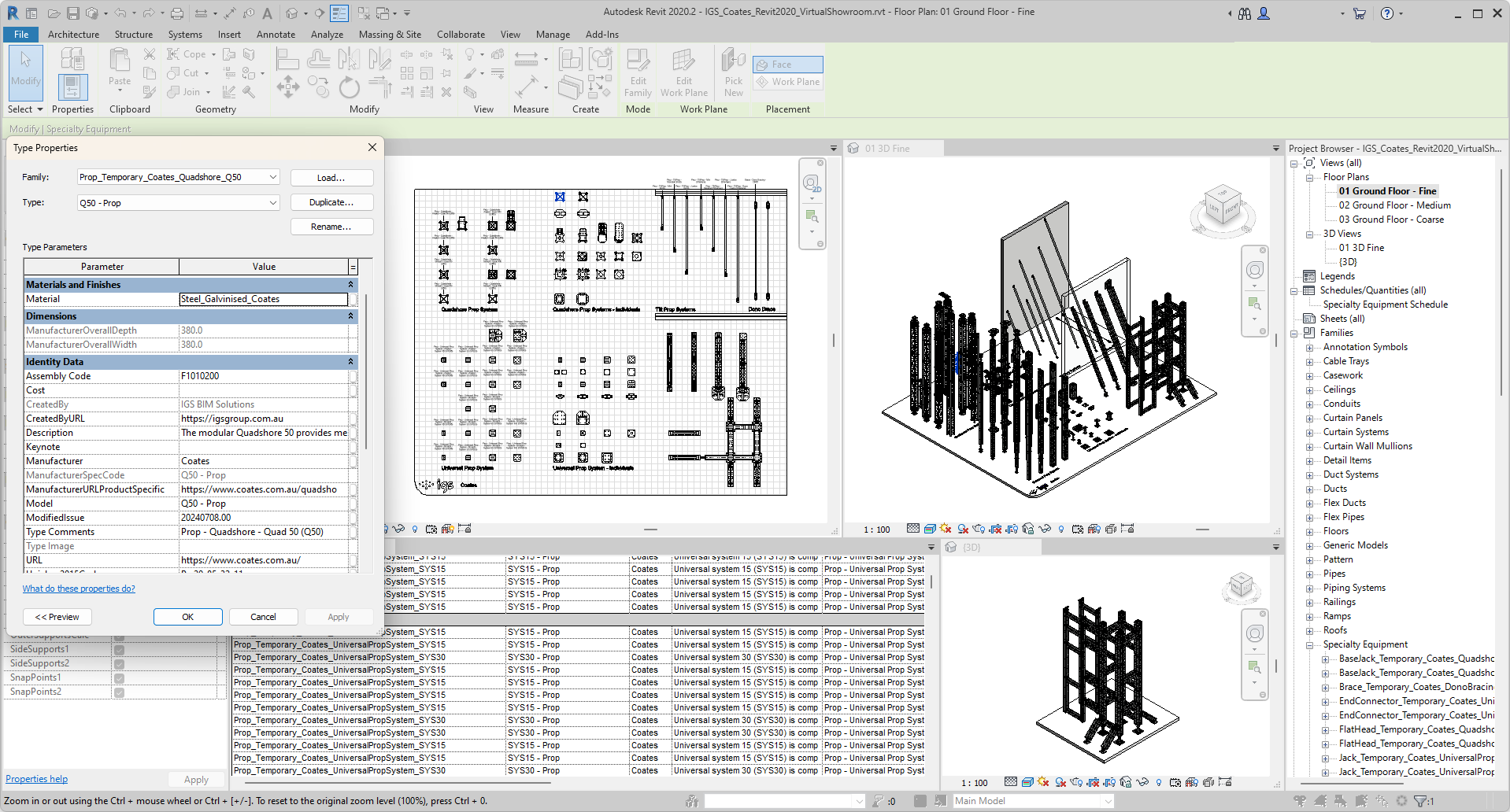
Technical Considerations & Inclusions in a Virtual Showroom
- File-size optimisation: Optimise families and detail components to keep download size manageable.
- Version compatibility: Provide showroom files for multiple Revit releases to cover users’ software versions.
- Performance optimisation: Structure content so the file remains responsive with many families loaded.
- Extraction workflow: Include clear instructions for exporting individual families for project use.
- Regular updates: Refresh the showroom whenever new products or configurations are released.
- Design configurations: Showing multiple configuration options helps designers understand the flexibility of the products.
- System integration: Demonstrating how products connect with other building systems provides valuable context for implementation.
- Performance data: Including visual representations of performance characteristics helps designers make informed selections based on project requirements.
- Specification guidance: Notes or embedded information about specification requirements streamline the documentation process.
The most effective Virtual Showrooms, rather than simply displaying individual products, serve as thorough resources that demonstrate the manufacturer’s strategy regarding how their products integrate into the broader building design process.
In Summary
Virtual Showrooms represent a selective strategy that can provide significant advantages to manufacturers in how BIM content is distributed and consumed in the architecture, engineering, and construction industry. By providing a complete, contextual environment for exploring product offerings, they improve the experience for design professionals while offering manufacturers a powerful tool for showcasing their products digitally.
For manufacturers aiming to strengthen their position in a digital industry, investing in well-designed Virtual Showrooms through a BIM content creation specialist such as IGS Group is becoming not just an option but a strategic necessity. For design professionals, these resources offer an efficient pathway to accessing high-quality, manufacturer-specific content that improves project outcomes through better accuracy, efficiency, and design integration. You can see a number of existing high-quality Virtual Showroom files on BIMcontent.com by filtering by Download Type > Virtual Showroom.
As the construction industry continues to change and grow, Virtual Showrooms serve as an important bridge between the product innovation of manufacturers and implementation into projects by specifying designers, and help to ensure that the right products can be easily found, evaluated, and incorporated into the built environment.
... Return to the Knowledge Hub ...
Table of Contents
Sign up today for news, industry insights & content releases!
You can unsubscribe at any time by clicking the link in the footer of our emails. For information about our privacy practices, please visit our privacy policy.
FAQs
Related Posts



The building industry is rapidly evolving. Don’t get left behind!
Join the growing list of leading brands who leverage our BIM Content Creation Services
and associated Building Product Marketing Strategies to grow your business.
Contact Us
We look forward to speaking with you!
For inquiries about BIM content creation, web or product marketing solutions as well as general inquiries and support, please fill out the contact form provided, or contact us via the details below.
1300 980 763